Casino welcome bonus
Get up to 212,000 INR and 250 Free Spins after registration and your first 3 deposits of at least 480 INR. You will get the bonus in 3 steps: 100% and 55 FS, 150% and 85 FS, and 200% and 110 FS after every top up.

MelBet offers a dedicated mobile application. Whether you need the latest MelBet APK for Android or the native iOS release, our software delivers instant access to high odds, live streams, and 10,000+ casino games. The file is 100% free, virus-checked, and optimized for fast performance on both Wi-Fi and 4G/5G mobile networks in India. Choose your operating system below to start downloading.
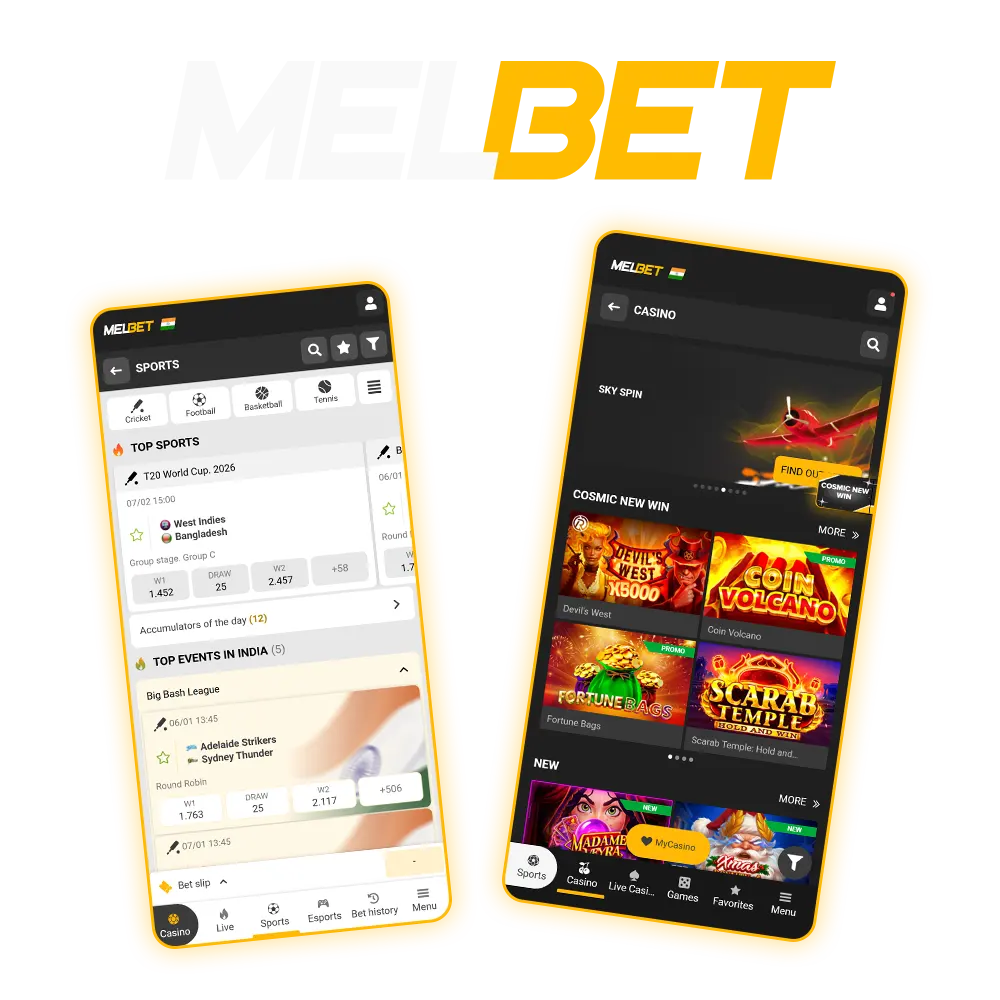
The table below contains some important information about the MelBet app. Read it to compare our apps with your needs and understand how they work:
| Supported OS | Android and iOS |
|---|---|
| Application Version | 2.7.3 |
| APK File Size | 69.1 MB |
| Installed App Size | 121 MB |
| Minimum Android Version | Android 5.0 |
| Minimum iOS Version | iOS 8.0 |
| Cost | Free |
| Welcome Bonus | 150% up to 40,000 INR First Deposit Multiplier for Sports, and Casino welcome bonus of 450% up to 212,000 INR + 250 free spins |
| Payment Methods | Visa and Mastercard, UPI, PhonePe, PayTM, Google Pay, Apple Pay, MoneyGO, Tether, Tron, Whatsapp Pay, AirTM, Skrill, MiFinity, BHIM, and 15+ others |
| Supported Languages | English, Bengali, Hindi, Tamil, and others |
| Support | Live chat, email, phone |
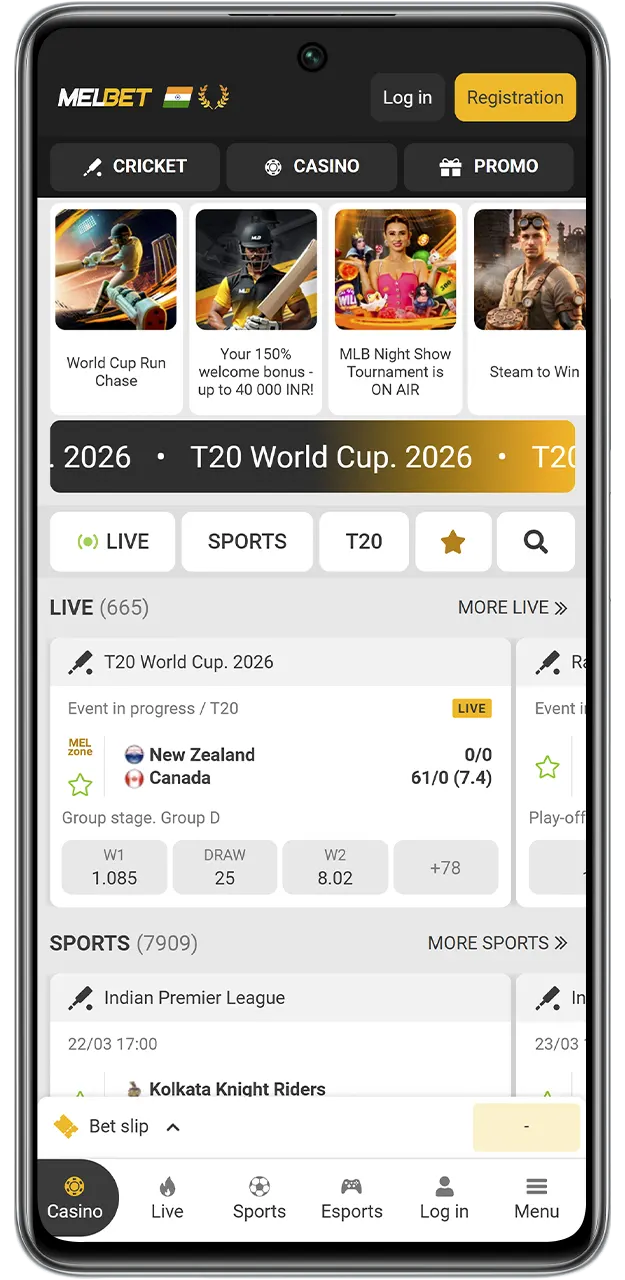
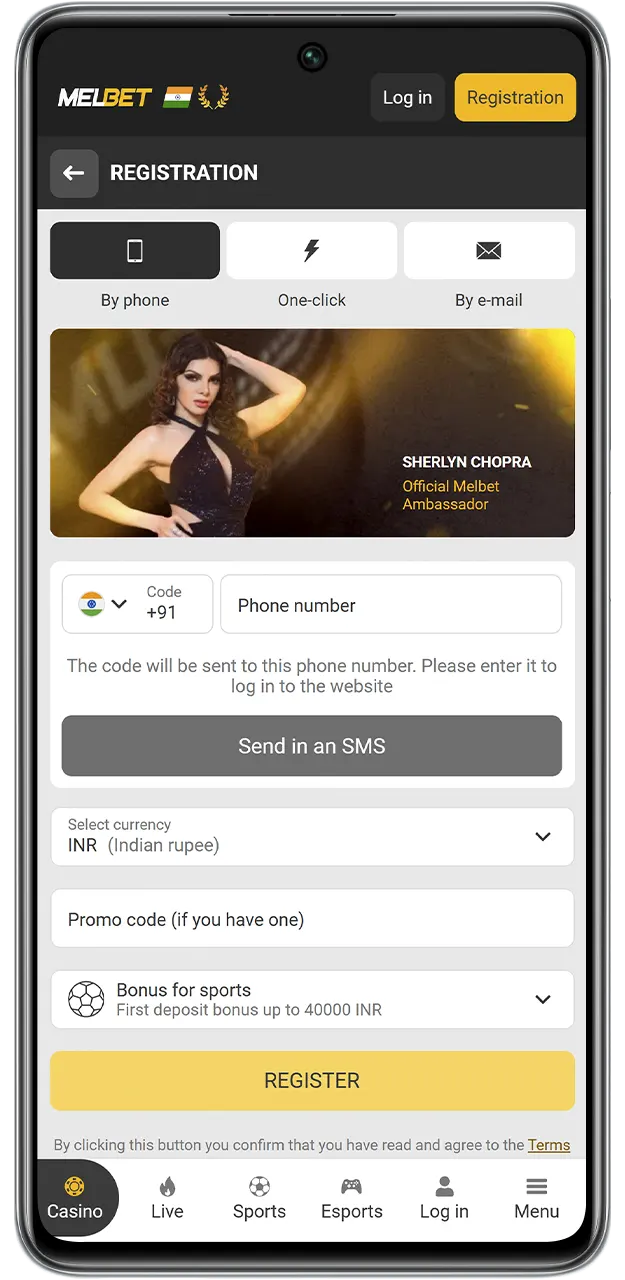
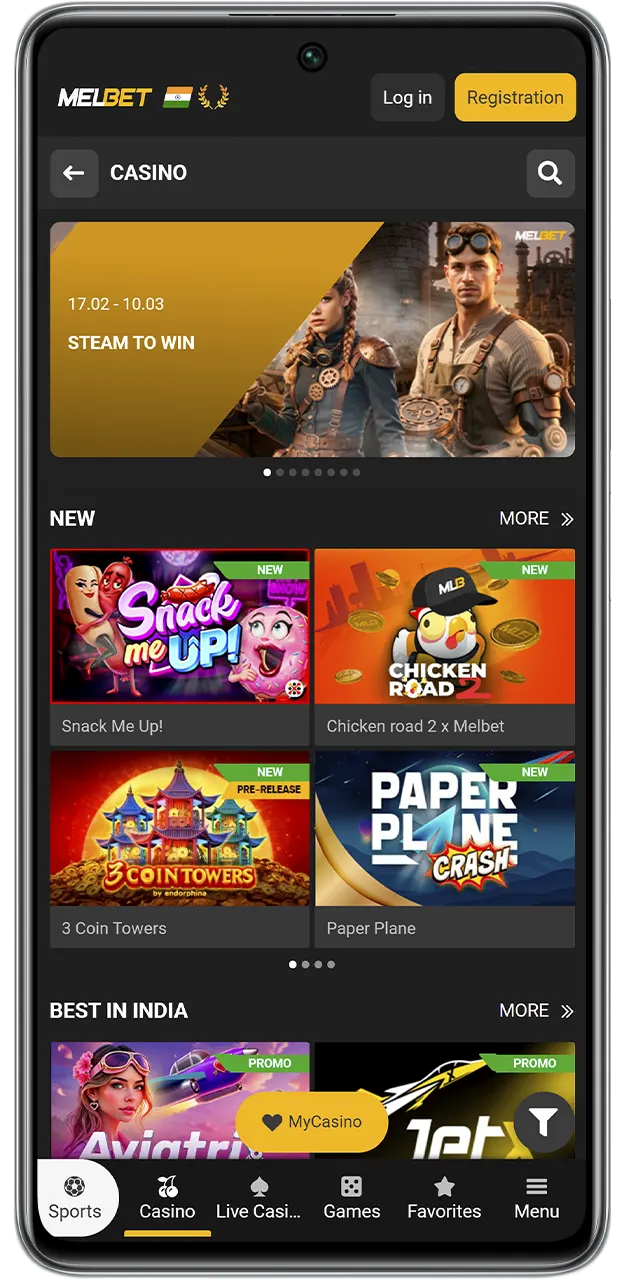
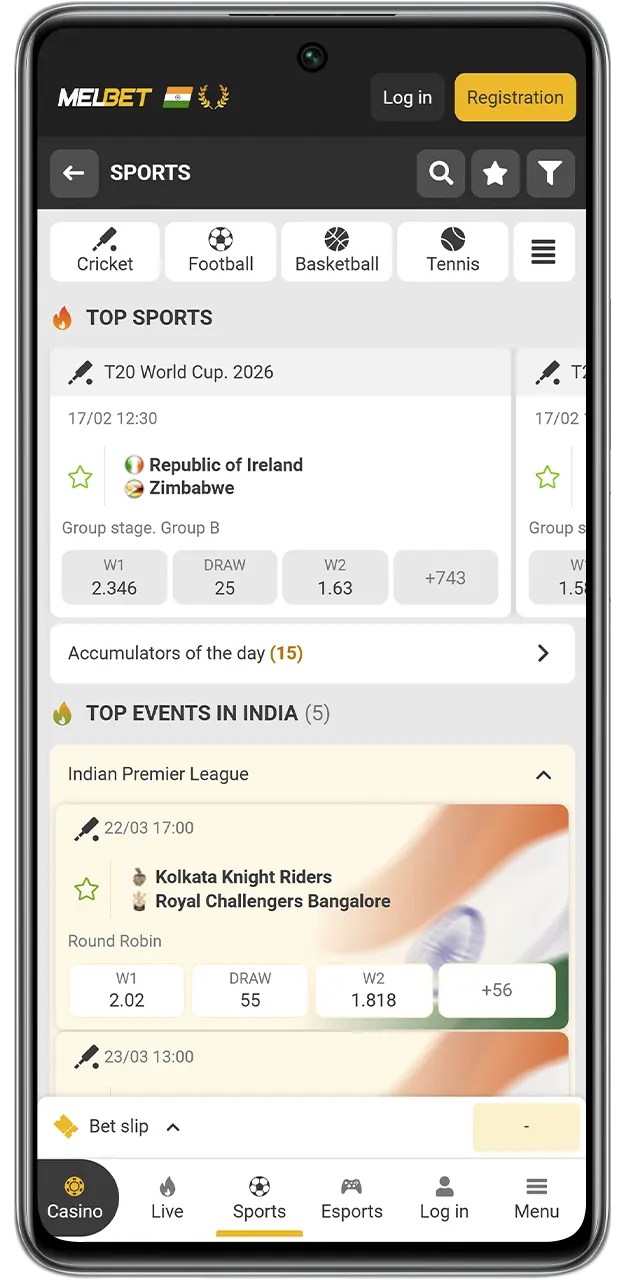
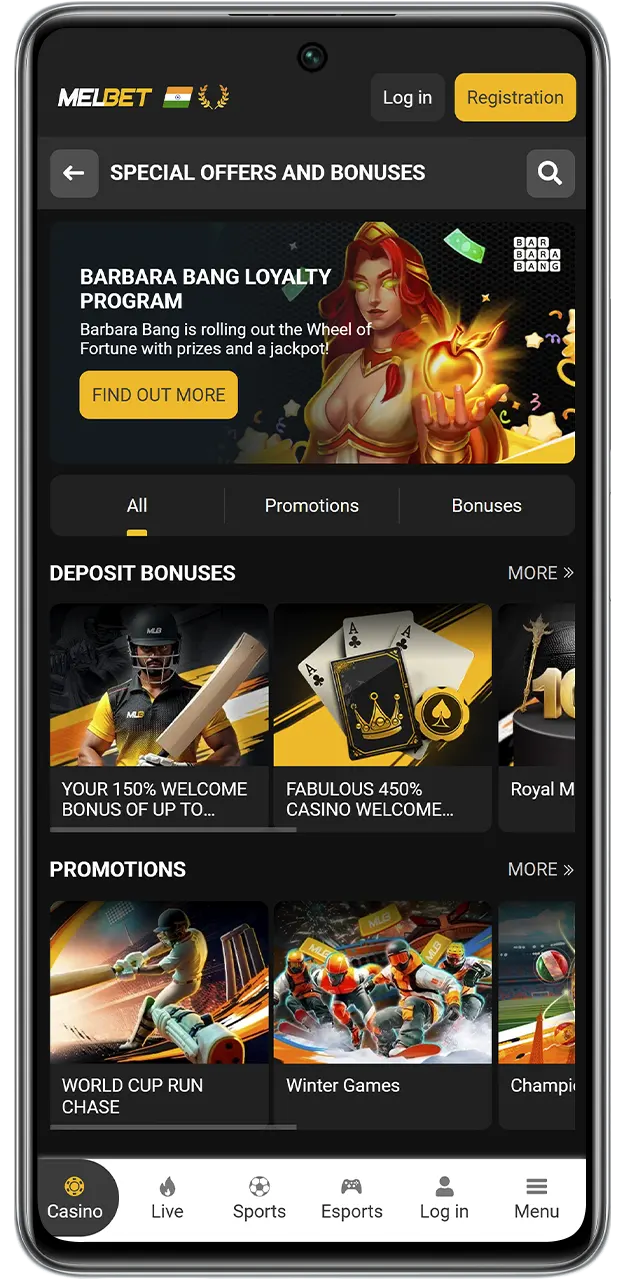
If you have decided that our application suits you, read the instructions below to understand how the MelBet download for Android works:
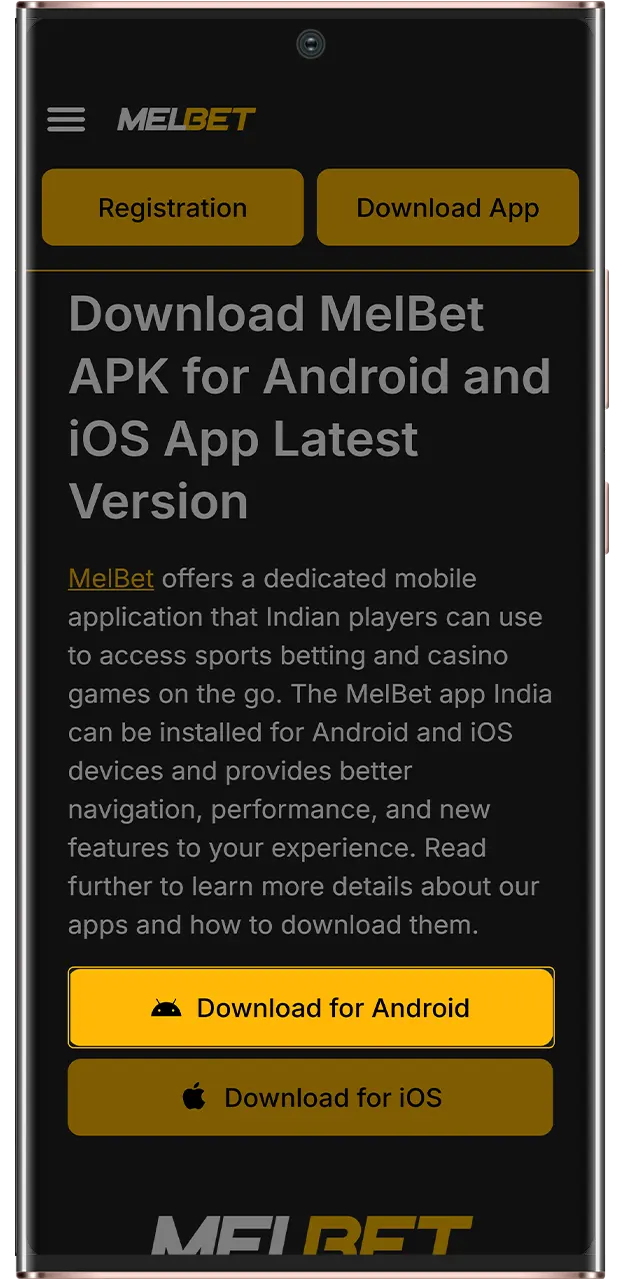
At the top of this page, tap “Download App” to begin.
You will be taken to the official MelBet website, where you need to tap the Android picture above.
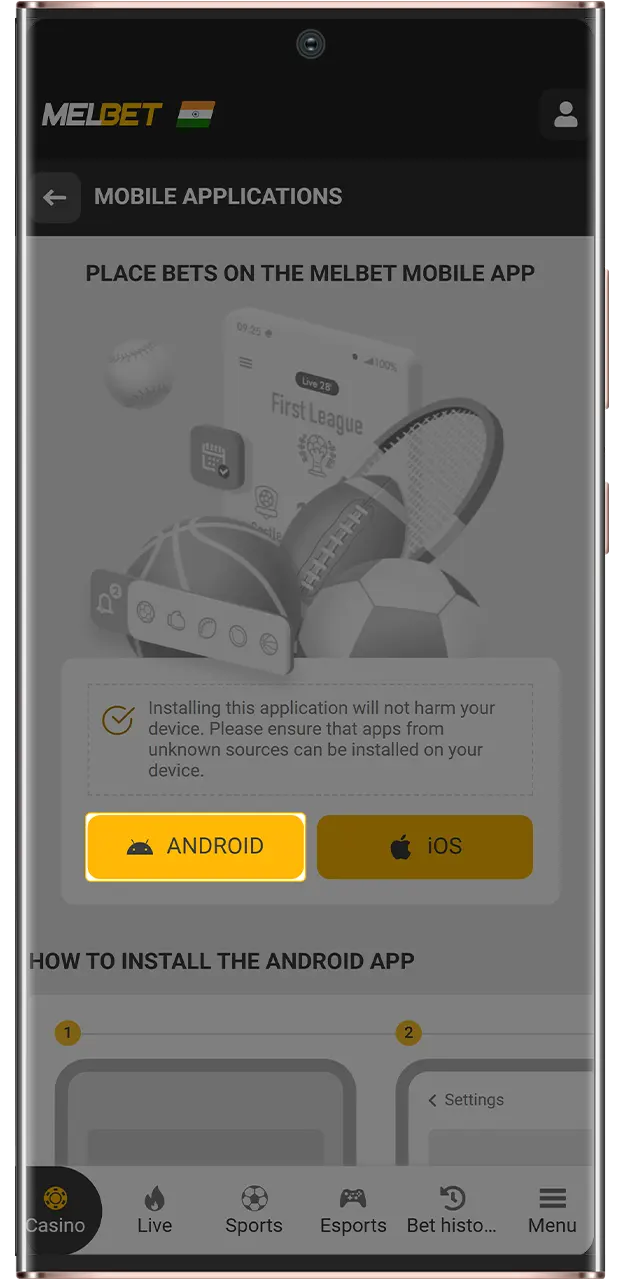
While the app is downloading, go to your device’s security settings and allow your browser to install applications from unknown sources.
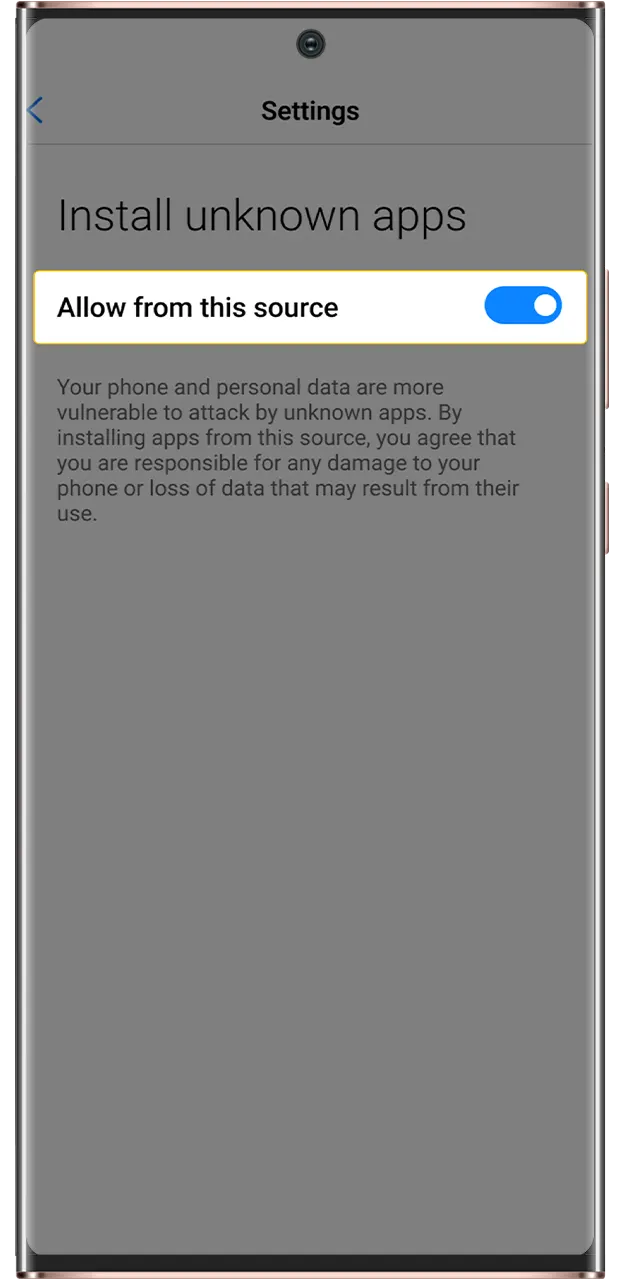
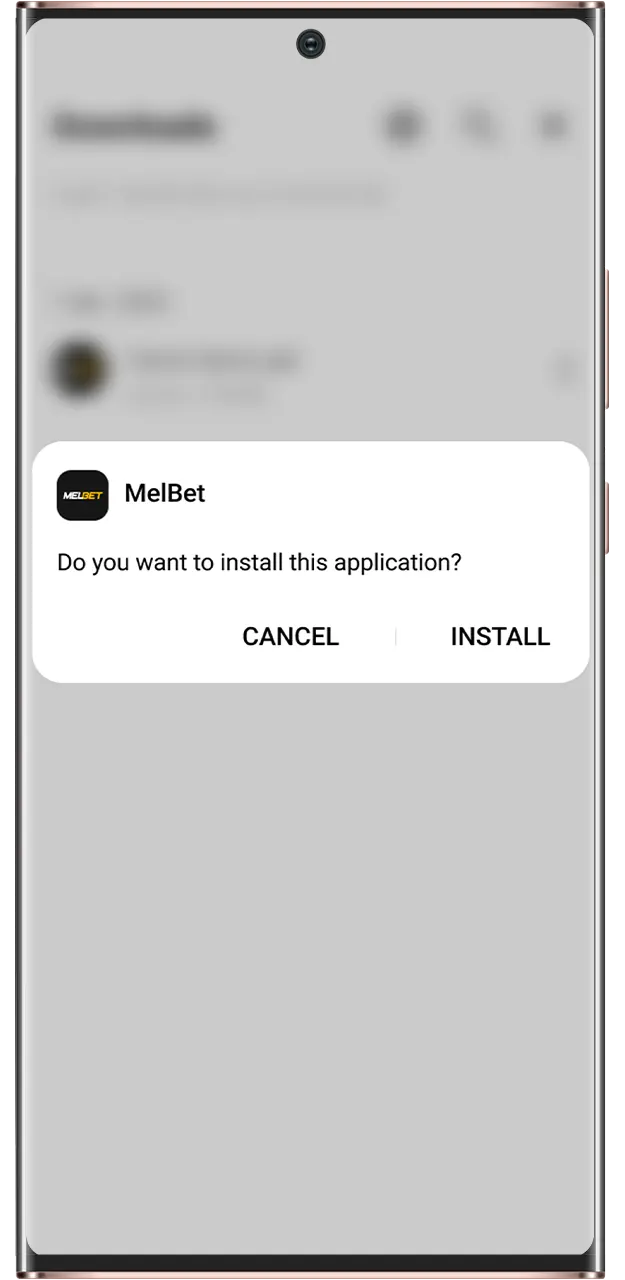
Open the downloaded APK, confirm the installation, and wait for it to finish.
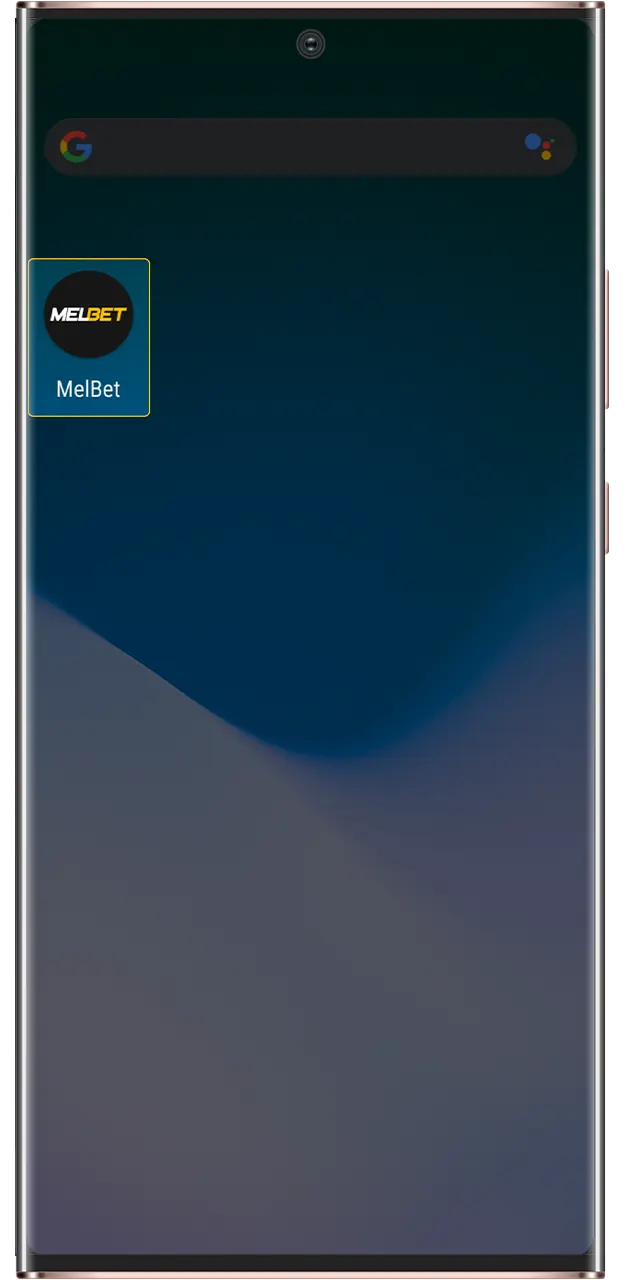
Find the MelBet app on your home screen and open it, then log into your account or register a new one.
MelBet runs well even on weaker Android phones and tablets. Check out the minimum requirements for the app below:
| Operating System | Android 5.0 or newer |
|---|---|
| Processor | Dual-core 1.2 GHz or better |
| RAM | 1GB minimum |
| Memory Space | 130 MB of free memory space |
| Internet Connectivity | Stable mobile or Wi-Fi Internet connection |
You can expect stable and quick betting and casino games on almost any device. If you still have doubts, check out the list below. It contains Android phones on which the MelBet app has been tested by our team. If your device is newer than these, you are definitely in the green to install:
MelBet iOS download is basic. You can get in with just a couple of clicks and the usage of these easy installation instructions:
At the top of this page, tap “Download App” to begin.
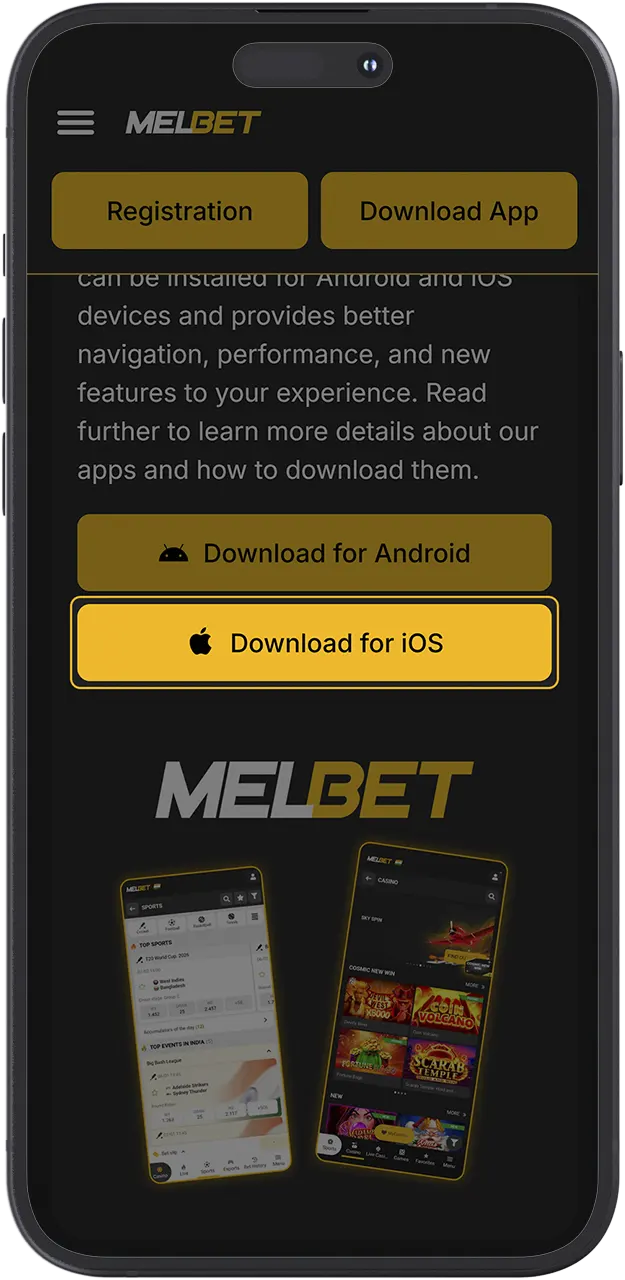
You will be redirected to the App Store page of the application, where you should tap “Get” to start downloading.
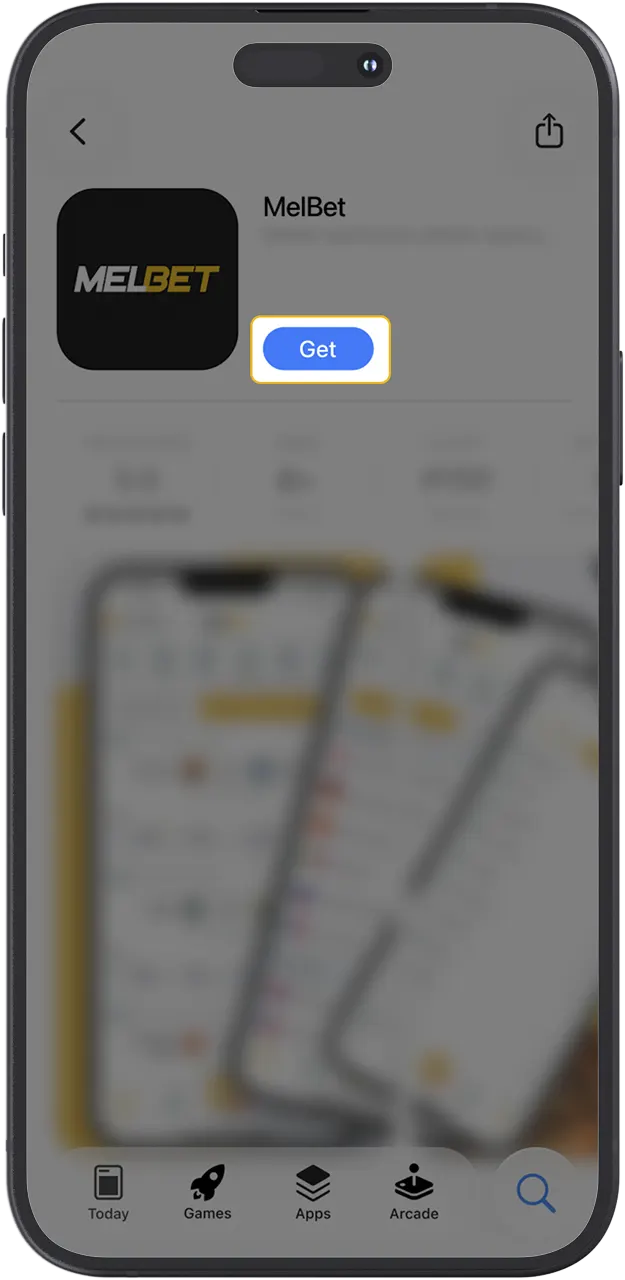
Once the loading is over, go to your home screen and open the app that should appear there.
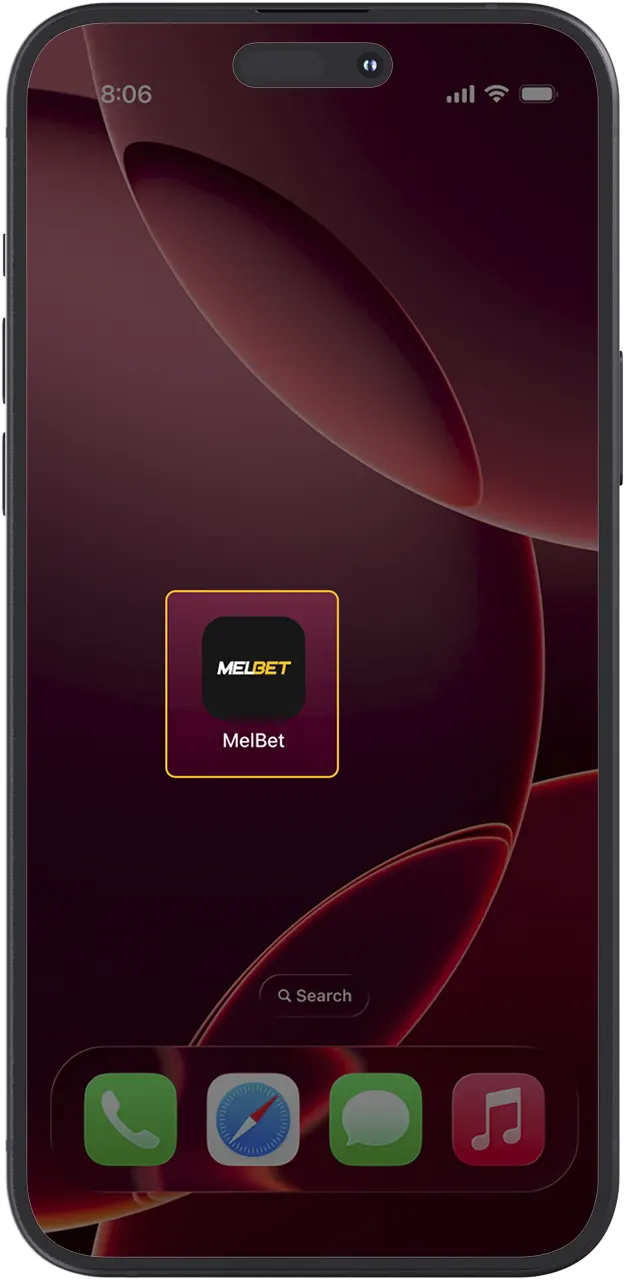
Log in to your MelBet account or create a new one.
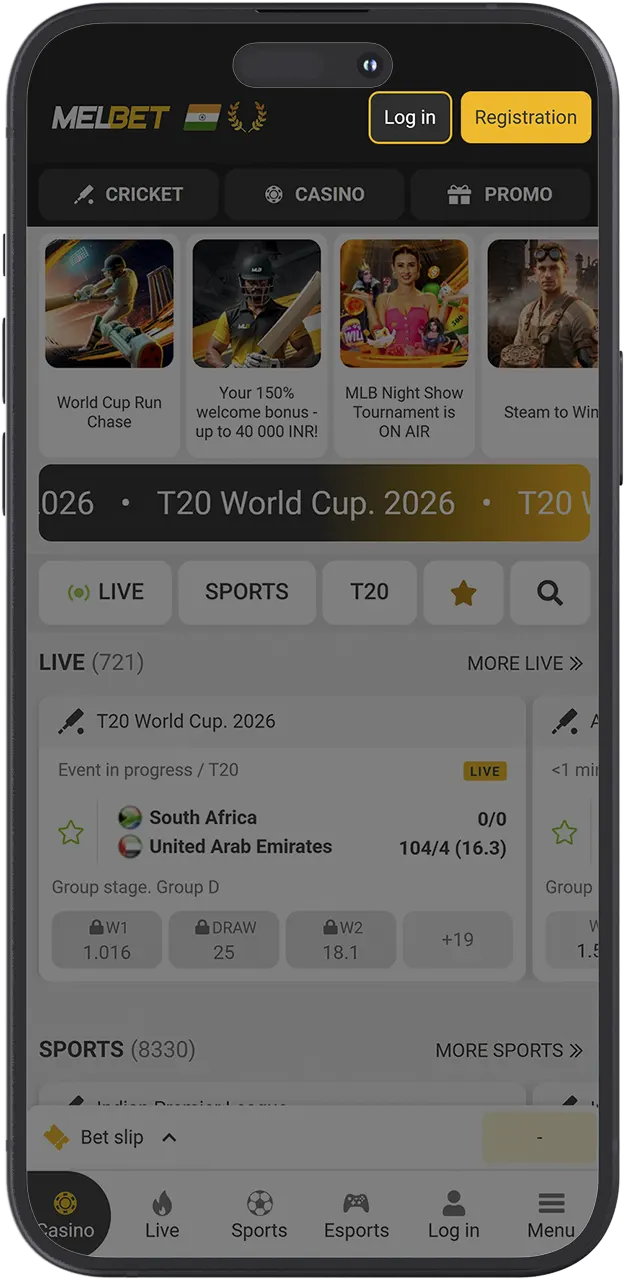
You should also know that you might need to change the region in the App Store. That is because for some users, it may be unavailable.
The MelBet iOS client is compact, quick, offers full functionality, and supports a wide range of Apple device generations. Check the table below to see if your phone meets the hardware requirements of our app:
| Operating System | iOS 8.0 and newer |
|---|---|
| Processor | A7 chip or newer |
| RAM | 1 GB minimum |
| Memory Space | 150 MB of free memory space |
| Internet Connectivity | Stable mobile or Wi-Fi Internet connection |
Any iOS phone or tablet that is in check with these requirements can launch and operate MelBet easily. Here’s a list of some older devices that support the app:
To help new players of MelBet in India get started, we have prepared different bonuses that grant them additional funds to bet or gamble with. There is also a special promotion for those who will download MelBet app. Below, we look into the offers in more detail:
Get up to 212,000 INR and 250 Free Spins after registration and your first 3 deposits of at least 480 INR. You will get the bonus in 3 steps: 100% and 55 FS, 150% and 85 FS, and 200% and 110 FS after every top up.
Receive a 150% multiplier up to 40,000 INR after you register and top up your account 3 times with at least 75 INR. The bonus is credited in steps: 100%, 125%, and 150% after each deposit.
Download and install our app to participate in the offering and get 10% of the total amount you’ve bet in the span of 7 days every Tuesday.
It’s very important to keep your app updated at all times. That way, you can get all the new features right away and get the version that’s protected with the latest technologies and encryption. To update the MelBet Android app and the iOS version, follow these steps:
The latest Melbet APK Android download gives you faster performance, a cleaner interface and more payment and betting options than older builds. The table below compares key points so you can see why updating is worth it.
| Feature | New Version | Old Version |
|---|---|---|
| Interface design | Modern UI, easier navigation on small screens | Older design, less optimised for new phones |
| Loading speed | Faster loading of markets and casino games | Slower response, more waiting time |
| Sports features | More markets, improved live betting tools | Fewer markets, basic live section |
| Casino lobby | Expanded game list, better filters by provider | Smaller library, limited filters |
| Payments | Wider UPI and wallet coverage, improved cashout flow | Fewer local methods, more steps to withdraw |
| Security | Updated encryption libraries and security patches | Earlier security level, not fully optimised |
| Notifications | Smarter alerts for odds changes and results | Basic push notifications only |
The process of registration on your mobile is almost the same as on the website. To register in the MelBet India APK, follow these steps carefully:
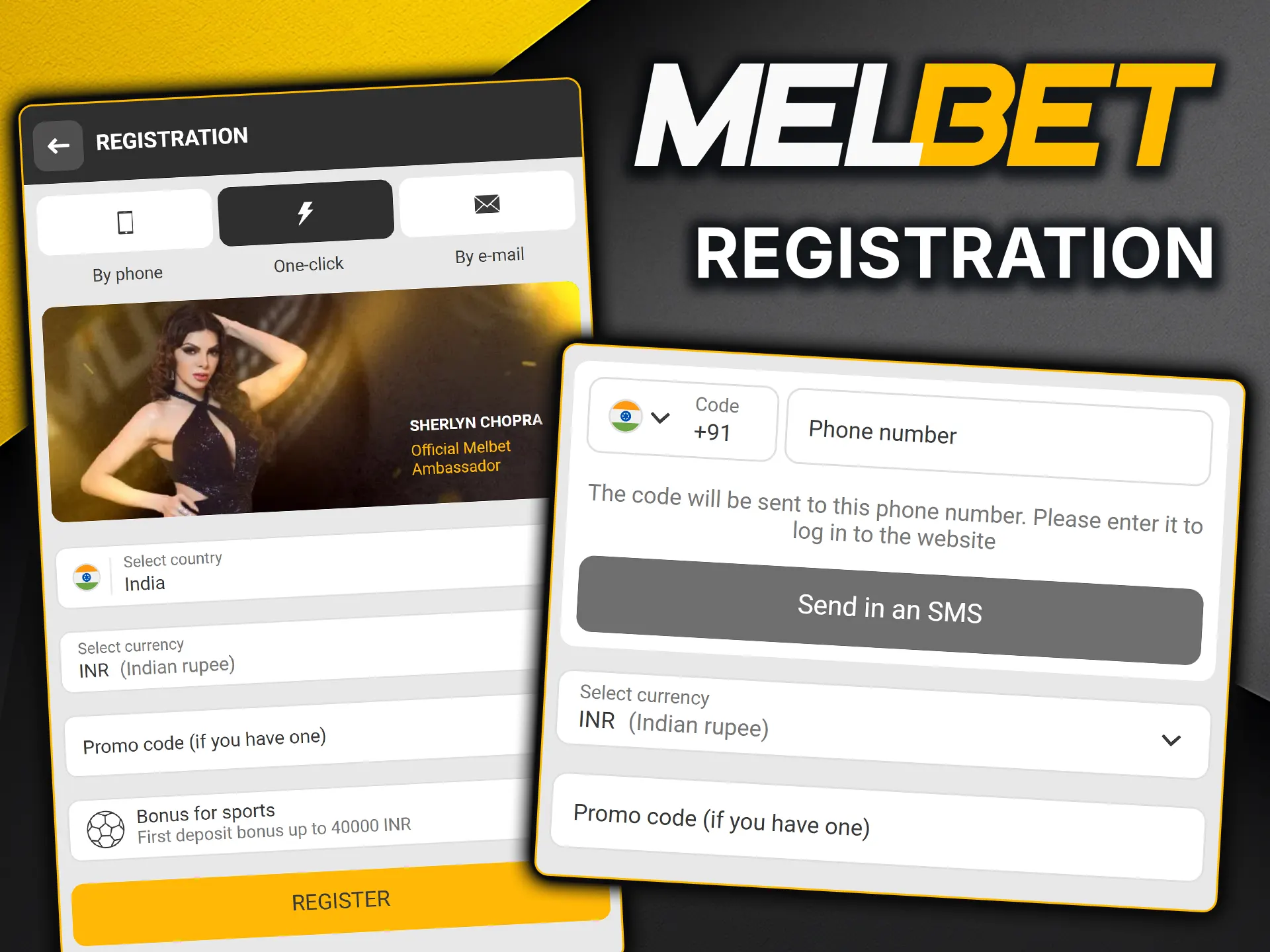
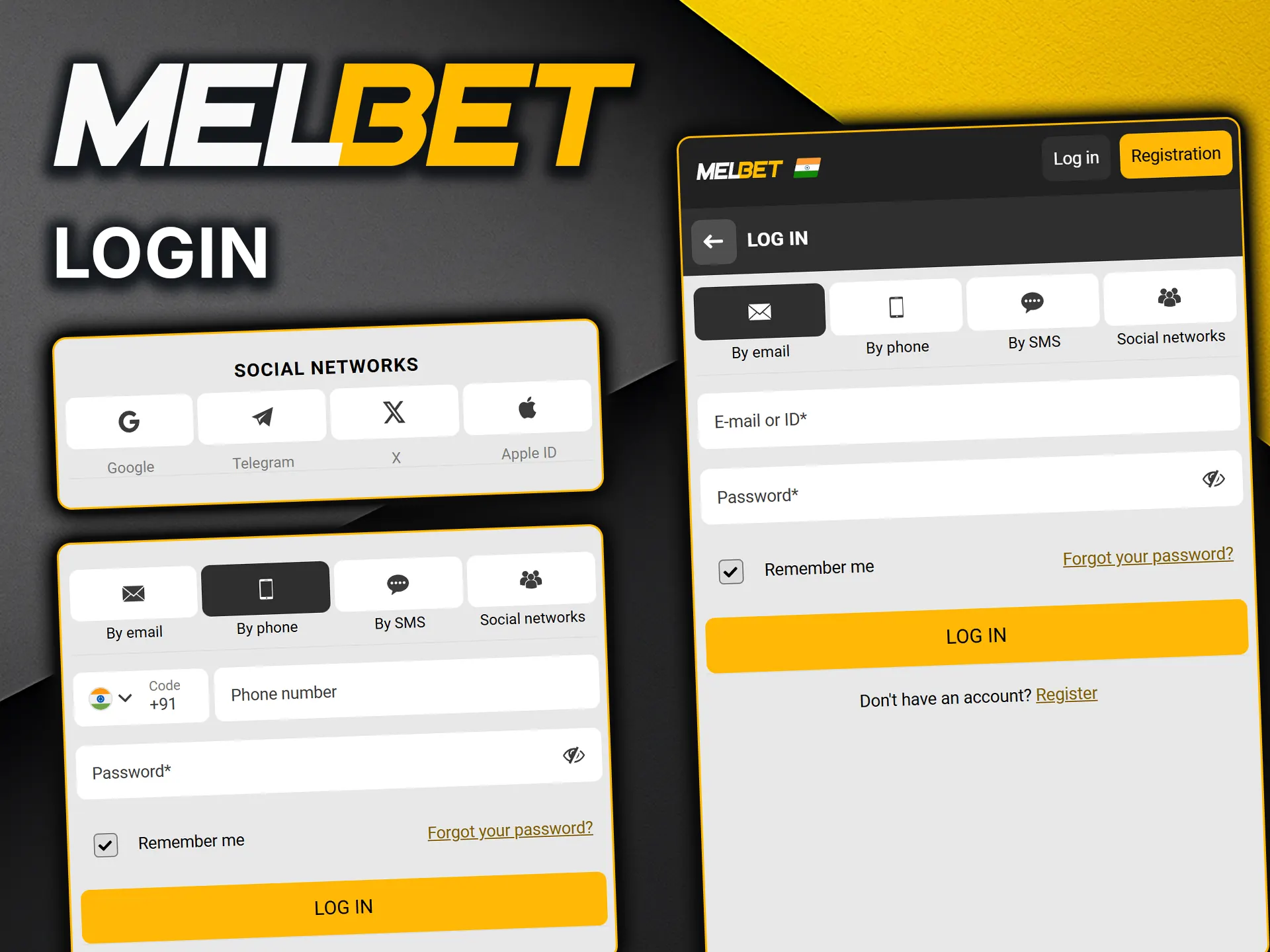
If you’ve already created an account on MelBet, you can sign into it with these 3 short steps:
Our app supports a range of deposit and withdrawal options that are suited for Indian users. You can find bank transfers, e-wallets, and crypto methods in the Deposit and Withdrawal section. Check out the table below to see if your favorite option is present in the app:
| Payment Method | Minimum Deposit, INR | Maximum Deposit, INR | Minimum Withdrawal, INR | Maximum Withdrawal, INR |
|---|---|---|---|---|
| Bank Transfer | 500 | 100,000 | 1,000 | 50,000 |
| UPI | 300 | 100,000 | 700 | 30,000 |
| Google Pay | 500 | 50,000 | 500 | 50,000 |
| PhonePe | 300 | 50,000 | 500 | 30,000 |
| Skrill | 531.29 | 5,312,881.35 | 531.29 | 5,312,881.35 |
| Bitcoin | 1,000 | Unlimited | 1,000 | Unlimited |
When you decide to bet and gamble on MelBet with the use of your phone, you need to choose whether you’ll play in the application or use the website in your browser. Both options are great, and they have their own pros and cons. Read the table below to compare and decide:
| App | Website |
|---|---|
| Faster loading times and better performance | Depends on browser and connection, generally slower |
| Installs on the device and uses storage | No installation required |
| A feature of push notifications not to miss important events | No notifications |
| Manual updates | Instant update rollout with no actions |
| A weekly 10% cashback for downloading | No cashback |
| Interface adapted carefully to every device | The interface may be different from phone to phone |
There are obvious advantages to the MelBet download option. We have worked hard to bring you the best way to use our platform and to create features that help you with betting and gambling. Here’s a quick list of some advantages for Indian players to enjoy:
The app is optimized for every device, and whichever one you want to use, the loading screens will take no more than a couple of seconds.
You can get 10% cashback each week if you install the app and participate in the offering.
We have designed the app to use the minimum amount of your phone’s resources, so you will experience the best performance while playing.
You can enable notifications in the application settings. They are very helpful if you track a team, a match, or any other updates in the sporting and betting area.
The availability and quicker functioning of all the deposit and withdrawal methods that are popular in India.
Place wagers quickly with fewer taps with the convenient and beautiful interface presented in the app.
Downloading the file directly from our official site is 100% safe. The installation package is regularly scanned for malware and verified by Google Play Protect (for Android). All your in-app actions, from logging in to requesting UPI withdrawals, are protected by end-to-end 128-bit SSL encryption. We operate strictly under Curacao eGaming license OGL/2024/561/0554, ensuring your funds and data are legally protected.
Our support team is available 24/7 for Indian mobile users. The channels that provide connection to it include in-app live chat, email addresses, and phone numbers. The team can help you with account setup, verification, deposits and withdrawals, and any other problem. In addition, the “How to place a bet” section at the bottom of the app’s page contains step-by-step guides that will help you get started quicker on MelBet.
By following the instructions above, install the app, top up your account’s balance, get the welcome bonus, and open the Sports or Casino section. You can use the search feature to find events or games. Find one that suits you and place a bet, then wait for the outcome.
Yes. Mobile users in India can enjoy the 10% cashback on all bets made in the span of 7 days. Just download the app and participate in the promotion to get it.
Yes. The MelBet APK download for Android and the App Store one for iOS are both free of charge. Note that if you find an application that claims to be MelBet and requires you to pay money to download it, it’s fake, and you should leave the website immediately.
Yes, you can access the same account using the desktop website on Windows or macOS. In many cases a downloadable PC client is also provided on the official site.
First, update to the latest version, clear some storage and check your internet connection. If issues remain, contact support through live chat on the mobile website.
Updated:
Comments